
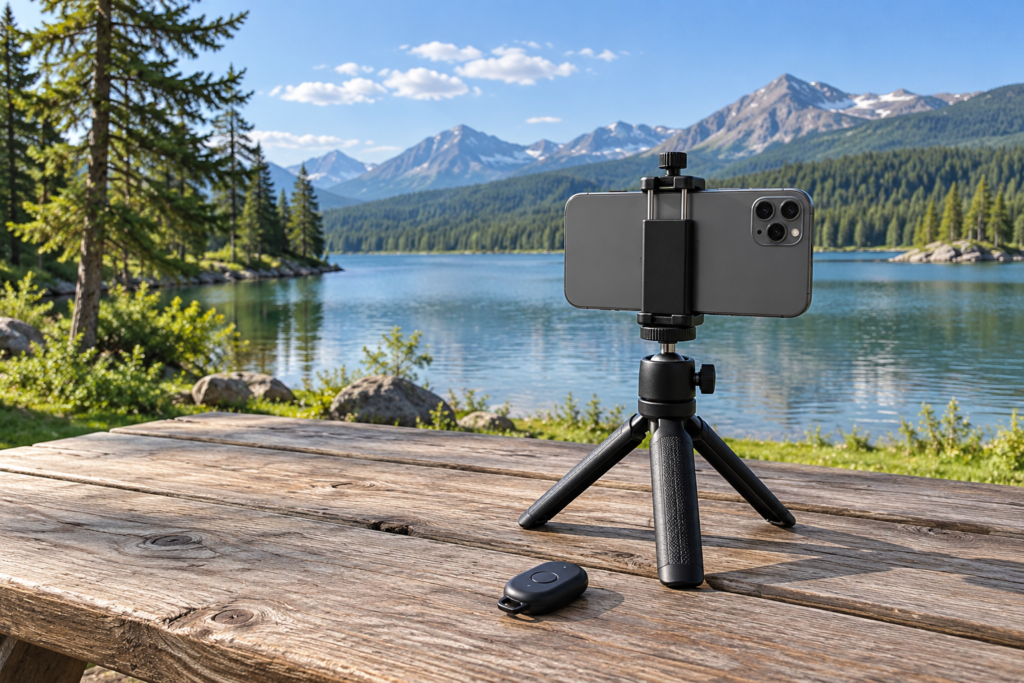
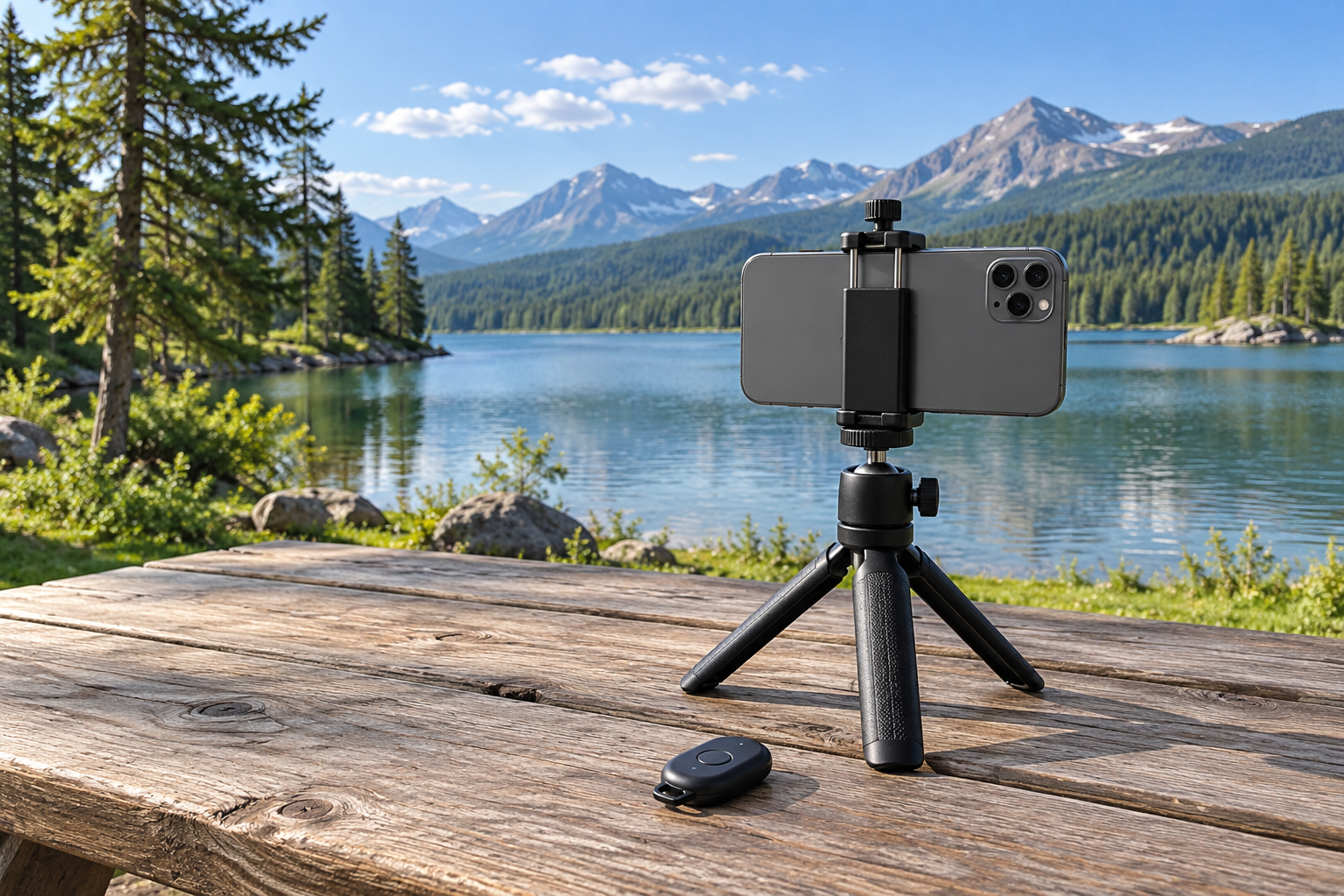
Quick verdict: Try the phone’s built-in timer first for occasional outdoor self-portraits. Buy a compatible Bluetooth remote when repeated shots or timing control make returning to the phone a regular frustration.
Research-based buying guide; no hands-on testing is claimed. As an Amazon Associate, Time to Get Outside earns from qualifying purchases.
| Decision | How the options compare |
|---|---|
| Main benefit | Bluetooth remote: Triggering without returning to the phone each time Phone self-timer: No extra accessory if the app provides a suitable timer |
| Requirement | Bluetooth remote: Supported phone, app, camera mode and power Phone self-timer: A timer setting that fits the shot |
| Do not assume | Bluetooth remote: Every camera or social app accepts the same remote controls Phone self-timer: A timer solves unstable phone support |
Use the free option before adding hardware
A phone timer gives you a delay after pressing the shutter so you can get into position. Apple’s current camera guidance documents this built-in option for iPhone; other phones and apps have their own controls to check. For an occasional photograph at a park bench or viewpoint, that may be all you need.
A remote changes when you can trigger the shot without touching the phone again. That is useful when you want several attempts or would prefer to choose the moment after getting into position. It does not improve the phone’s lens, exposure or support by itself.
When the timer is enough
Choose the timer when the delay gives you time to settle into the photograph and you do not mind returning to the phone between attempts. Practise with the camera app you actually use. A longer delay may be convenient for a group, while a short delay can simply avoid touching the phone at the moment of exposure.
A stable, suitable mount is usually a more important first purchase than a remote if the phone has nowhere dependable to sit. Check the composition and footing before starting the timer, and keep the setup in a sensible location. Neither timing method makes an awkward ledge a good phone support.
When the remote earns its place
A remote can be worthwhile for regular solo photographs, family groups or repeated starts where returning to the phone interrupts the routine. Some supports, such as JOBY’s TelePod Mini, include a wireless remote, so check the kit you already own before buying another accessory.
Compatibility is the key shopping check. Confirm the exact phone operating system, app and photo or video mode the maker supports. A device that triggers the stock camera may not provide the same control in a social app or another recording application. Do not assume a broad iPhone-and-Android label covers every combination.
Small accessories bring small chores
Check battery type or charging method, pairing instructions and where the remote will be stored. A detachable button is convenient until it is misplaced. JOBY’s current product page includes individual owner reports about connection and remote retention problems; those reports are useful prompts to check the workflow, not a measured failure rate for all remotes.
My recommendation is to start with the timer and pay for a remote when repeated use makes the convenience clear. Compare Canadian-dollar cost against a kit you may already have, and choose a seller with suitable return terms. Test pairing and the intended app before leaving for an important outing rather than treating successful Bluetooth pairing as proof that every camera function will work.
Compare current U.S. and Canadian listings
These buttons open product searches, not guaranteed stock or fixed prices. Match the exact model, size, included accessories and seller before ordering. Canadian shoppers should compare the final cost in Canadian dollars, including any shipping or import charges.
Related buying guides
- Carbon Fibre vs Aluminum Travel Tripod: Is the Weight Saving Worth Paying For?
- Ball Head vs Three-Way Tripod Head: Which Is Better for Outdoor Photography?
- Best Waterproof Phone Pouches for Beaches and Paddling
Sources and research notes
Specifications and guidance checked October 15, 2026. Recommendations are editorial judgments based on the cited details and use cases; they are not independent performance measurements.